

Answer property questions
Use AI agents grounded in your property documents to explain listing details and viewing procedures. Your team maintains the source information and handles questions that need confirmation.
Explore AI agents
Industries we serve
Answer everyday questions, organize customer conversations and send updates that fit the moment. Discover how Bridgo's AI agents, chatbots, shared inbox, contact segments and integrations support your industry.
Sign up to explore BridgoStart with Bridgo's conversation tools, then connect the systems that run your business. Booking, CRM, payment and service-management workflows need a configured integration with your existing platform. Store capabilities depend on the selected connector and your plan.
Turn property enquiries into informed conversations
Help buyers and tenants explain what they need, discover relevant property information and continue with the right agent.
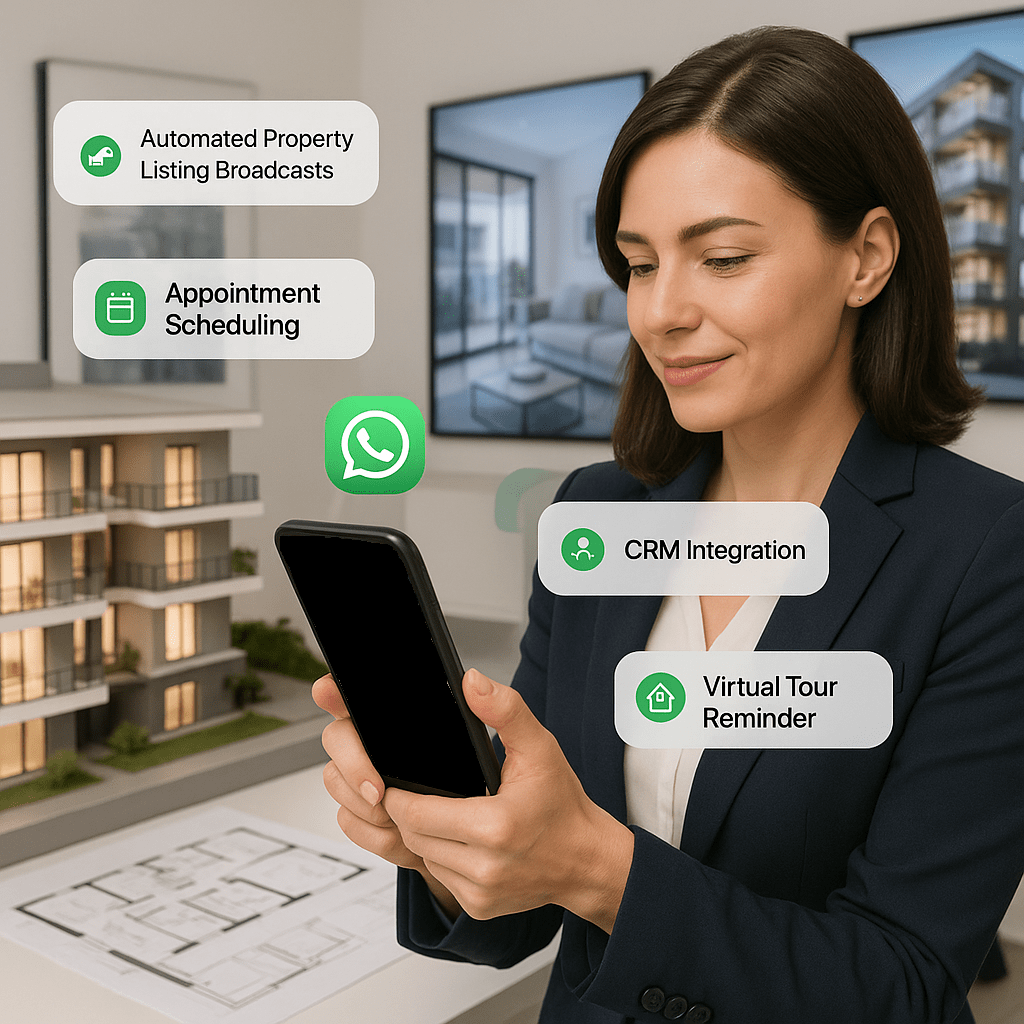
Use AI agents grounded in your property documents to explain listing details and viewing procedures. Your team maintains the source information and handles questions that need confirmation.
Explore AI agentsCombine labels and recent inbound activity with AI-collected location or preference text. Preview the matching contacts before selecting an Active segment for a property broadcast.
Explore contact segmentsCollect viewing requests in a chatbot and hand the conversation to an agent. Connect your booking tool through Zapier or an API workflow to send confirmations after a booking is recorded.
Explore ZapierConnect store activity with customer communication
Keep shoppers informed from order placement to post-purchase support using the integration that matches your store.

Map order creation, payment and order status changes to transactional WhatsApp messages. Configure abandoned-cart follow-up where the required opt-in has been captured.
Explore WooCommerceLet authorized agents and AI agents use current Shopify order, product and inventory information. Configure event-based messages and eligible abandoned-checkout recovery through the Shopify integration.
Explore ShopifyCreate audiences using labels, language, engagement or AI-collected preferences, then preview eligibility for your campaign. Customer and order conditions for commerce automations are configured in the store integration.
Explore contact segmentsGuide enquiries from first question to enrolment
Help applicants, students and parents find clear information and reach the admissions or administration team.
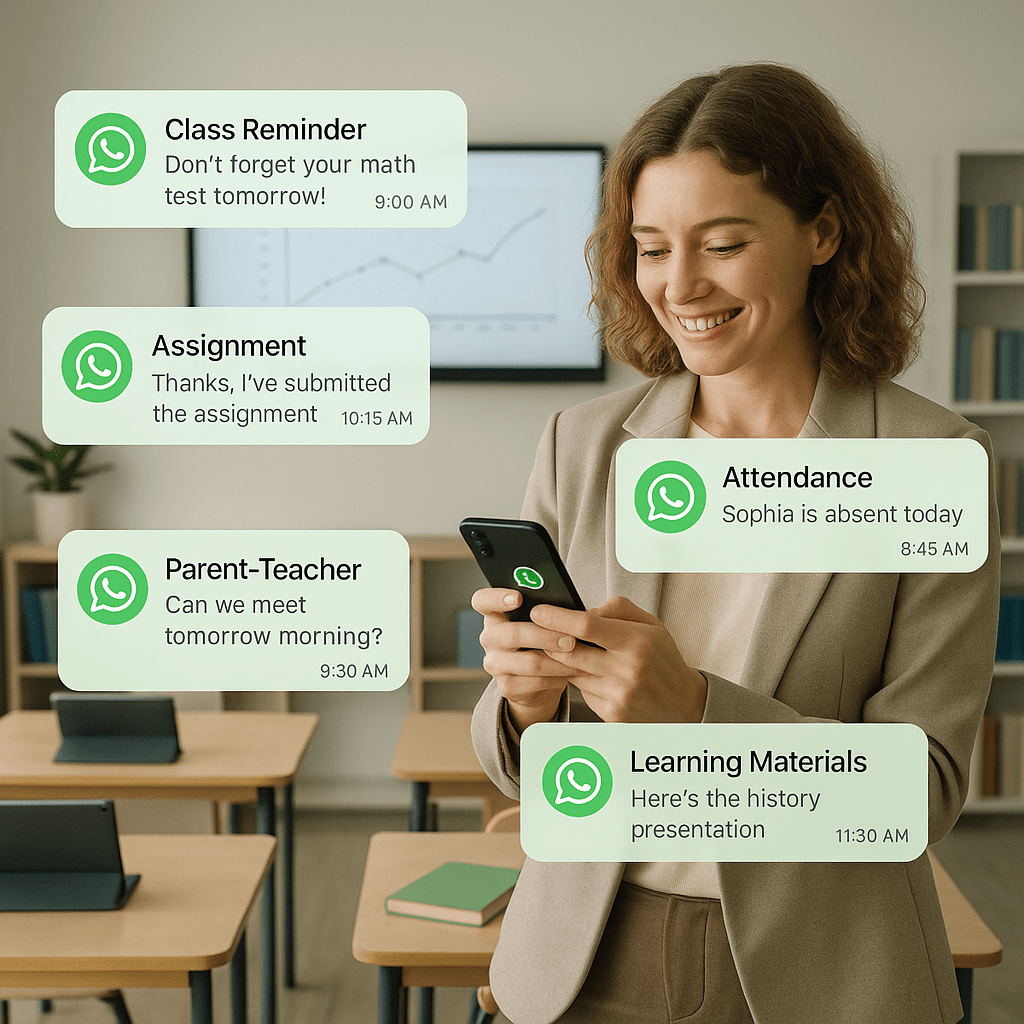
Ground an AI agent in your prospectus, admissions instructions and published policies. Use human handover for individual applications or questions outside the available information.
Explore AI agentsUse labels, groups and language to build audiences for open days, course announcements or campus updates. Static segments suit a selected invitation list; dynamic rules suit reusable audience criteria.
Explore contact segmentsHave your admissions or student system trigger configured template messages through the Bridgo API. Application status, class schedules and fee links come from the connected system.
Explore Bridgo APIMake appointment communication easier for patients and staff
Support administrative conversations about clinic hours, services and appointment arrangements.
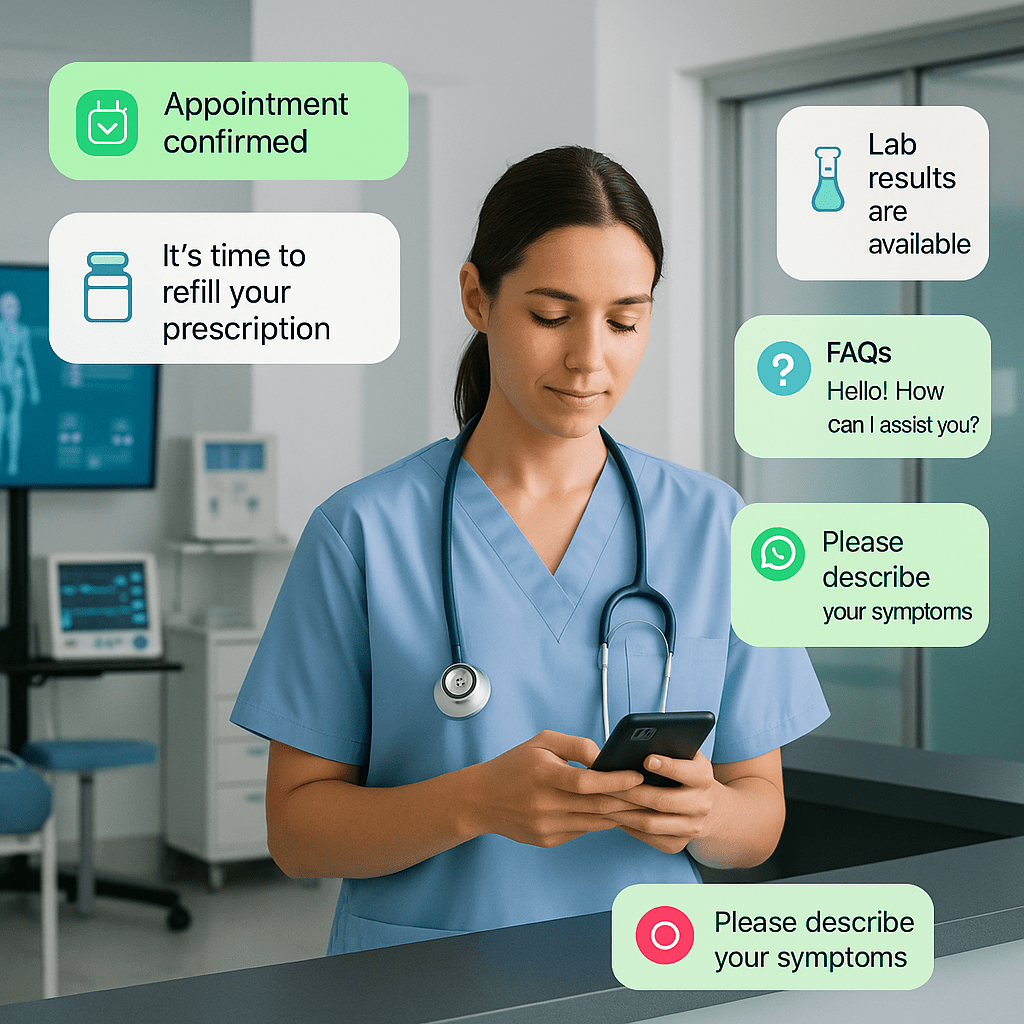
Use AI agents or chatbot paths for opening hours, location and published service information. Hand individual requests to the clinic team through the shared inbox.
Explore AI agentsConnect your booking system to the Bridgo API to trigger confirmations or reminders with the relevant appointment details. Booking availability and appointment changes remain in that system.
Explore Bridgo APIAssign conversations, review customer context and manage active or closed enquiries in the agent inbox. Staff can follow up on appointment requests without searching through separate chats.
Explore the agent inboxHelp residents find the next step in a service request
Make published service information easier to access and connect enquiries with the appropriate team.
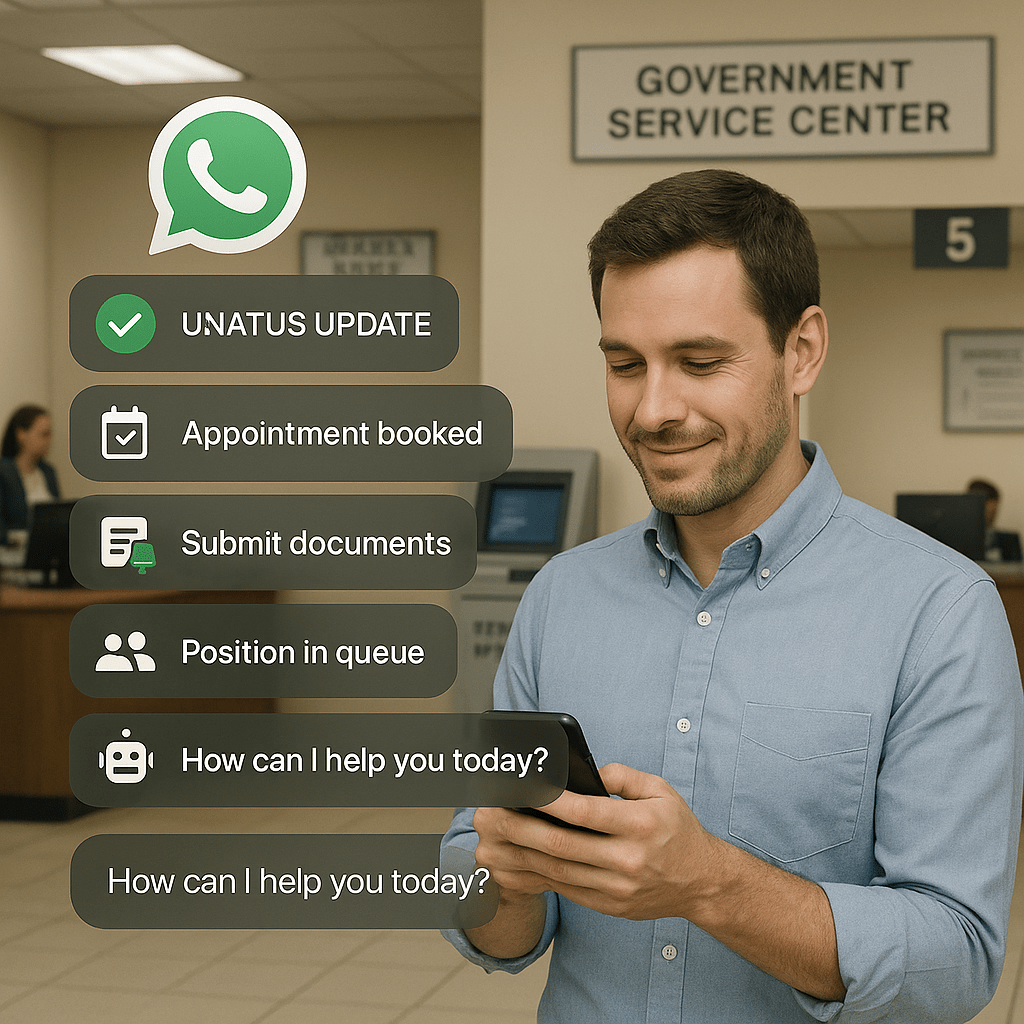
Ground AI answers in approved service guides and document checklists. Use chatbot choices to guide residents toward the relevant information and hand over questions that need staff review.
Explore chatbot workflowsConfigure your service platform to call the Bridgo API when an application changes status or a renewal reminder is due. The source platform supplies the status, dates and reference details.
Explore Bridgo APIBuild segments from service labels, groups and contact language. Preview recipients for scheduled public-service updates and let staff manage incoming questions in the shared inbox.
Explore contact segmentsKeep tenants informed as your team handles service requests
Bring issue reports, team conversations and maintenance updates into a connected communication process.
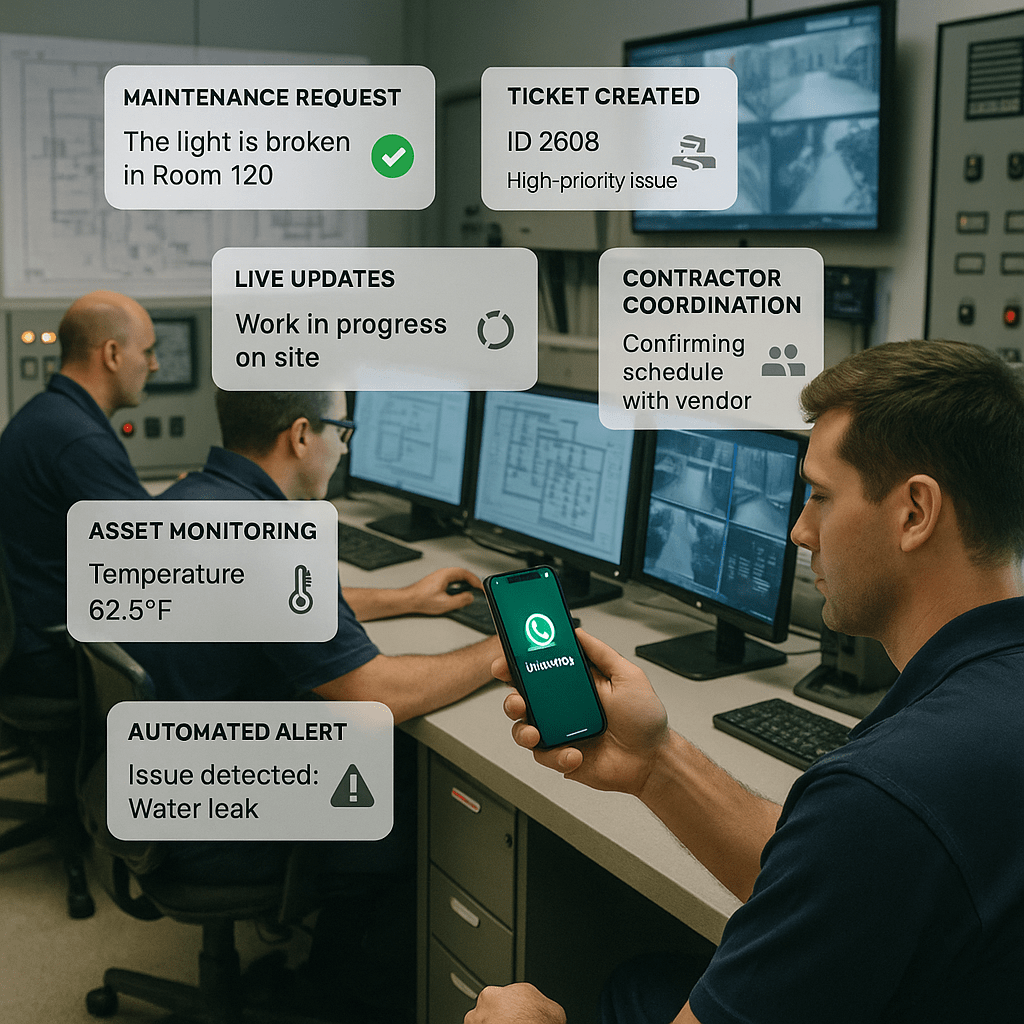
Guide tenants through a chatbot to collect the issue description and location. Receive supporting images in the inbox and hand the conversation to the responsible service team.
Explore chatbot workflowsUse a configured Zapier workflow or API integration to link communication with your service system. Work orders, technician scheduling and job status are managed by that connected platform.
Explore ZapierUse building labels, groups or a curated static segment for planned maintenance notices. Preview the audience and schedule a broadcast, then handle tenant replies in the agent inbox.
Explore contact segmentsMake guest enquiries and follow-up easier to manage
Answer everyday questions, coordinate reservation requests and keep relevant offers in front of your audience.
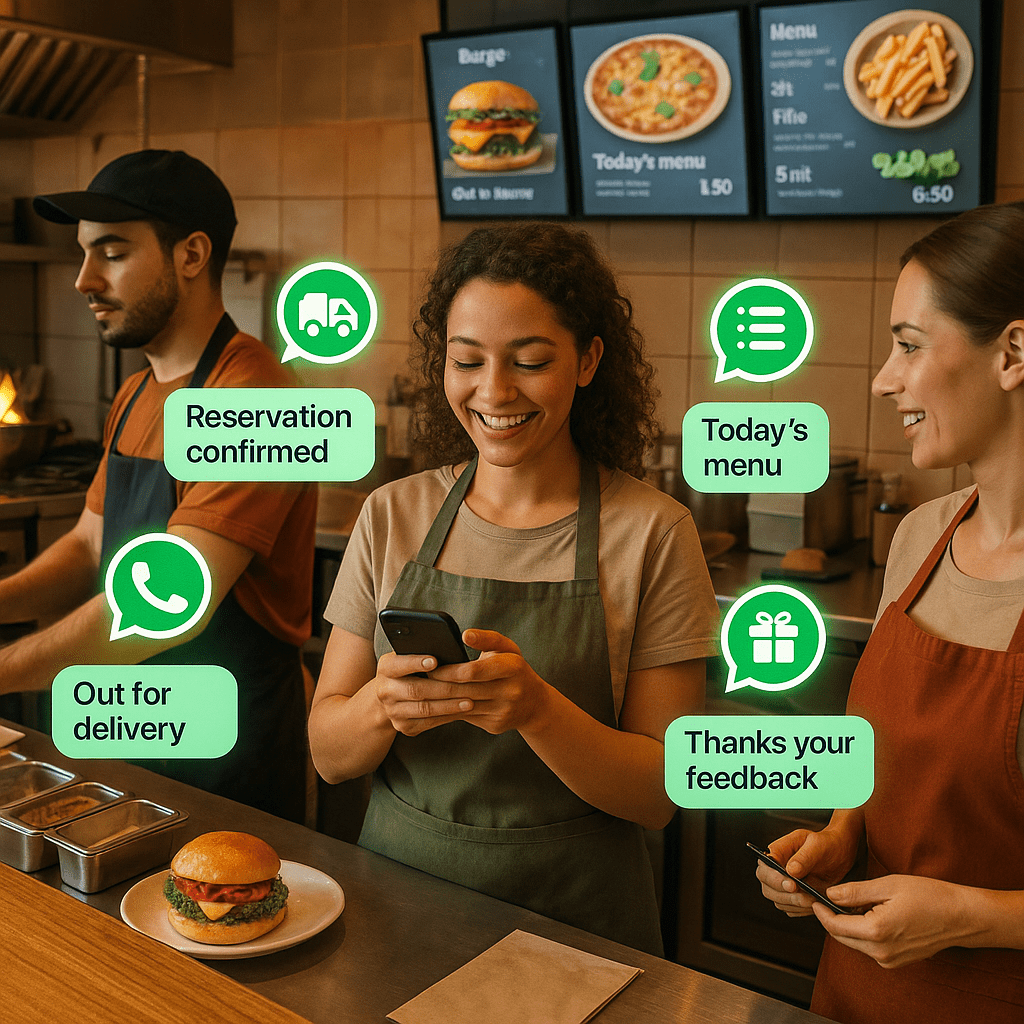
Use chatbot messages to share menu links or documents, and AI agents for information grounded in your published content. Hand requests that need confirmation to your staff.
Explore auto repliesCapture a guest request in chat and let staff confirm it. Connect your reservation or ordering platform to trigger confirmations and status messages through the Bridgo API.
Explore Bridgo APIBuild audiences using labels, language or saved preference text collected by your AI agent. Use a static segment for a selected event invitation and review broadcast eligibility before sending.
Explore contact segmentsSupport guests before arrival and throughout their stay
Combine useful destination or property information with team assistance and updates from your booking tools.
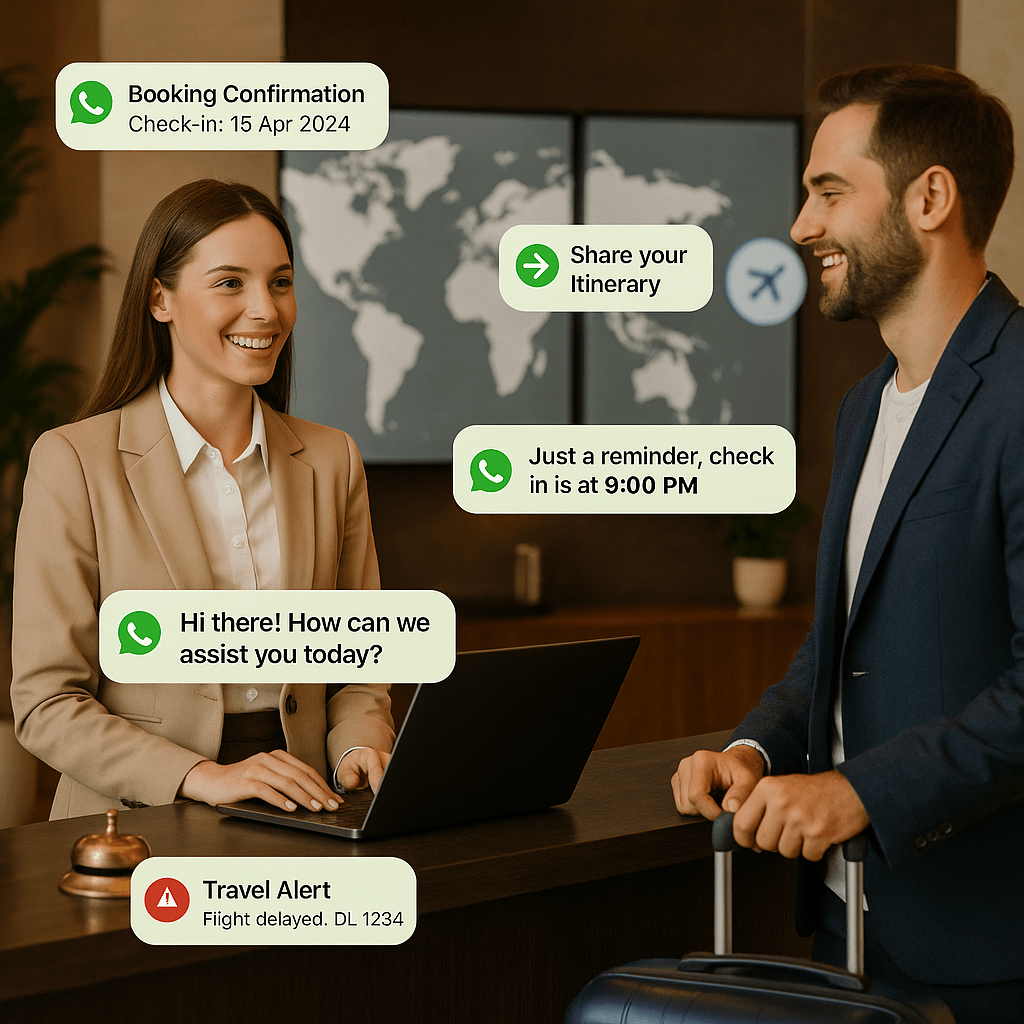
Ground AI responses in your check-in instructions, property guides and published policies. Hand requests requiring a booking change or personal confirmation to a team member.
Explore AI agentsConnect your booking or travel system to trigger WhatsApp templates for confirmations, planned reminders or itinerary changes. The connected system supplies the booking details and timing.
Explore Bridgo APIUse the shared inbox for arrival or pickup enquiries. Create segments from guest labels, language and AI-collected preferences for relevant announcements or offers.
Explore the agent inboxStart with a common enquiry, a recurring update or an audience you want to reach. Configure your content and handover rules, preview your segment, or connect the source system that should trigger a message.
For broadcasts, matching a segment does not guarantee delivery: subscription, blocking, recipient validity and applicable limits determine eligibility. Scheduled audiences can be frozen at submission or recalculated at execution.

Conversations, broadcasts & automated workflows, connect your WhatsApp Business Account, manage customer chats, run marketing campaigns, and integrate with your CRM in one simple platform.